Intelligent Task Detection
Pleexy automatically identifies actionable tasks in your ClickUp projects and converts them into Todoist tasks with full context.

Bridge your comprehensive ClickUp project management with Todoist's powerful task execution. Seamlessly sync tasks between team collaboration and personal productivity workflows.
No credit card required - Sync tasks instantly.
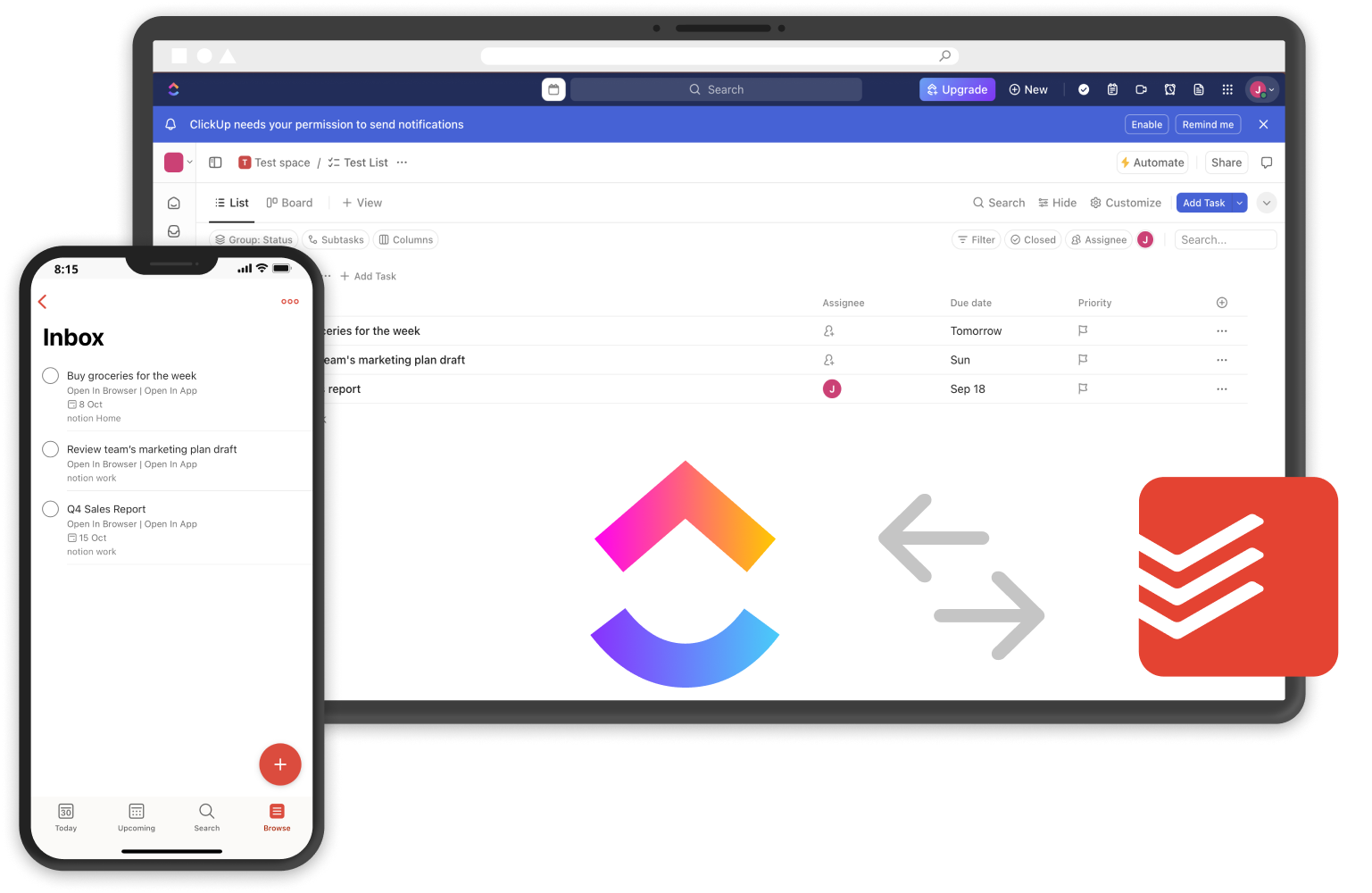
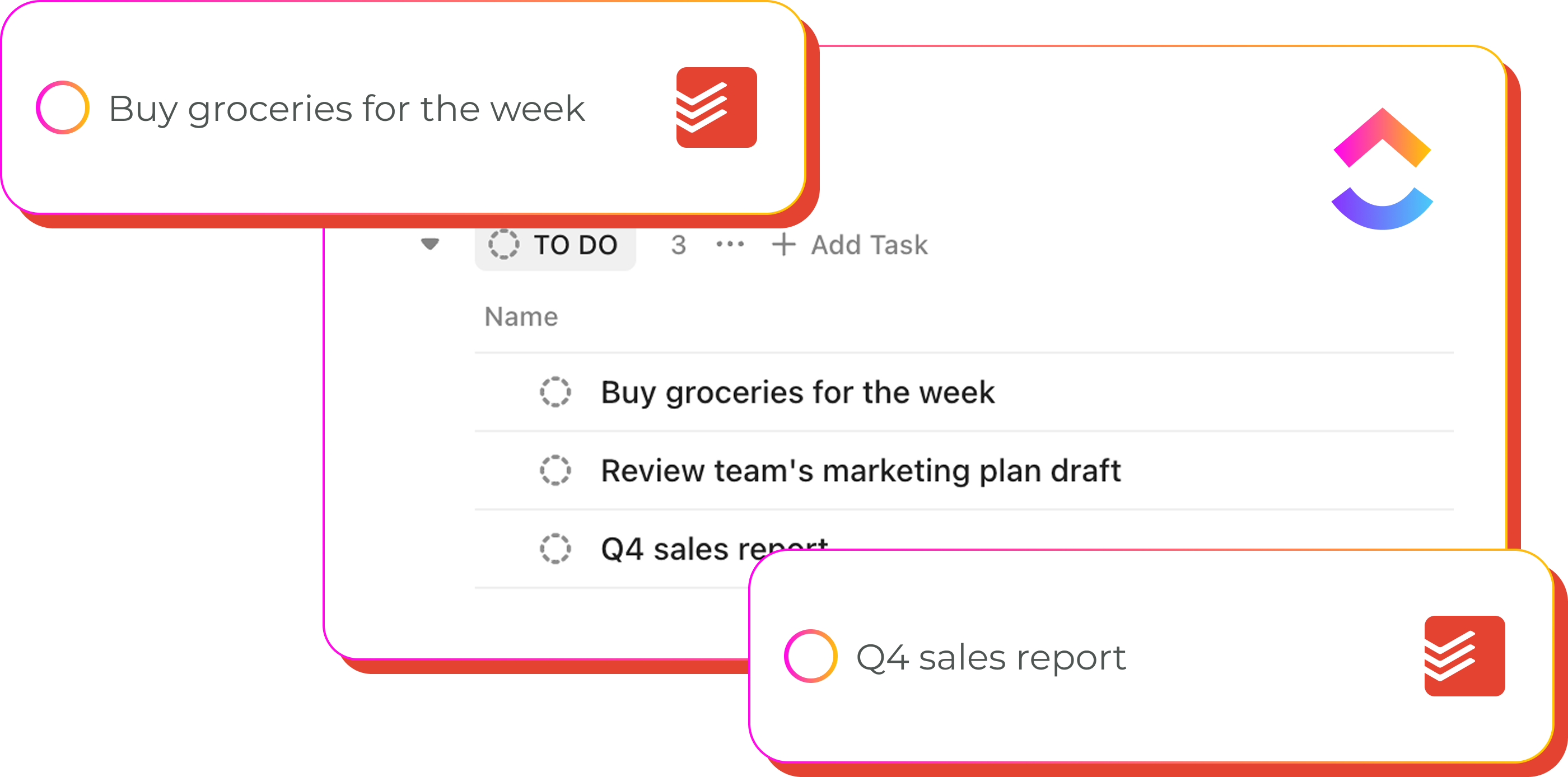
Pleexy automatically identifies actionable tasks in your ClickUp projects and converts them into Todoist tasks with full context.
Each ClickUp task becomes a structured Todoist entry with all critical details, custom fields, and project context preserved.
Updates flow seamlessly between platforms, ensuring your project management and personal execution stay perfectly aligned.
Control which ClickUp tasks sync to Todoist with powerful filtering by status, assignee, priority, and custom criteria.
"I use Pleexy to sync Clickup to Todoist. It works exactly as described. I've been using it for a few months and have had zero issues."
Mike M. · Trustpilot
From comprehensive projects to focused execution
1
Connect your Todoist account with Pleexy
2
Link your ClickUp workspace
3
Select which ClickUp projects and tasks to sync
4
Experience seamless project-to-execution workflow
How Pleexy works
No credit card required · Set up in 10 minutes.
Automatically convert ClickUp items into Todoist tasks.
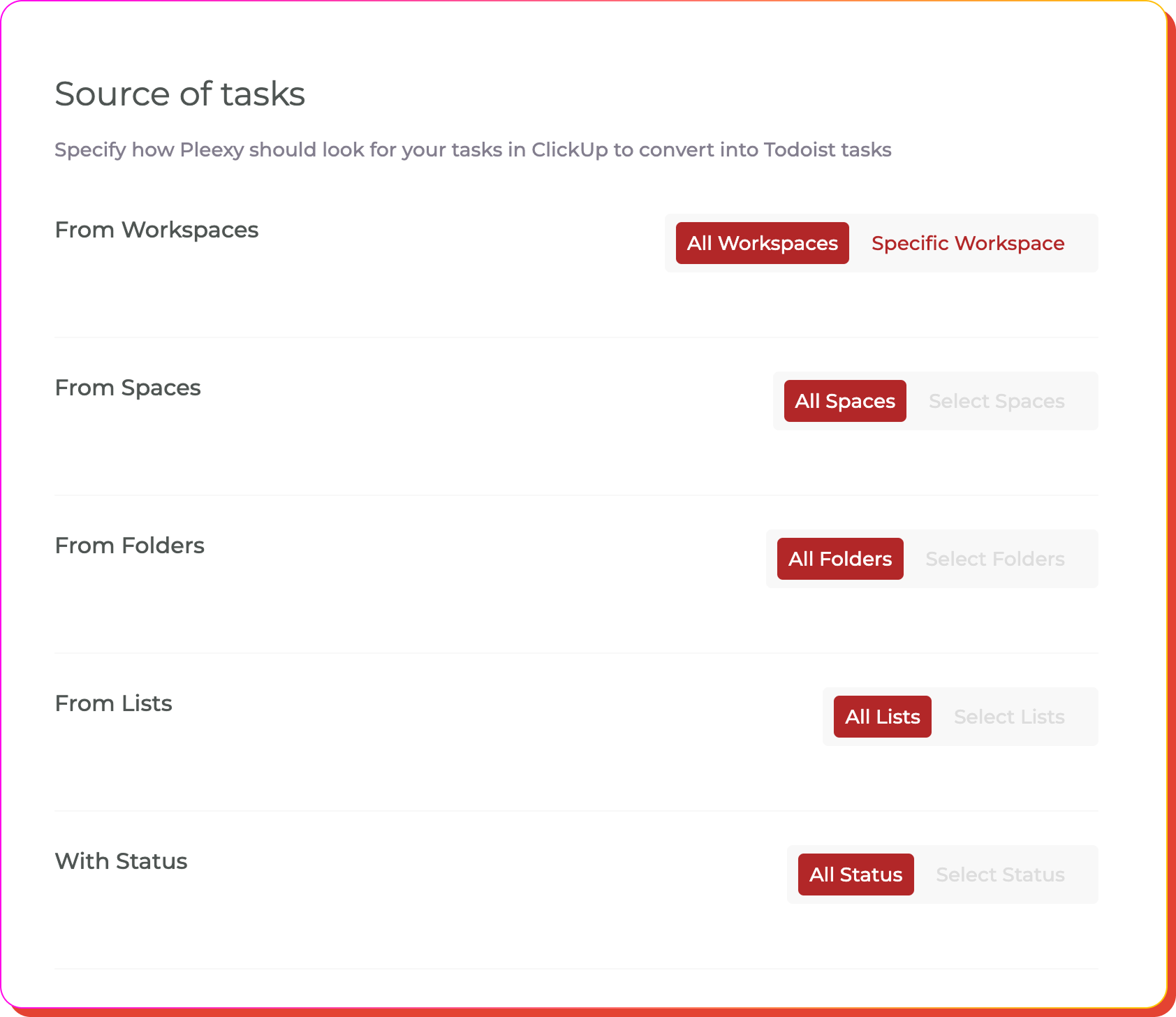
Filter by project, status group, assignee, priority level, or custom fields. Set parameters to sync only relevant tasks and maintain focused lists.
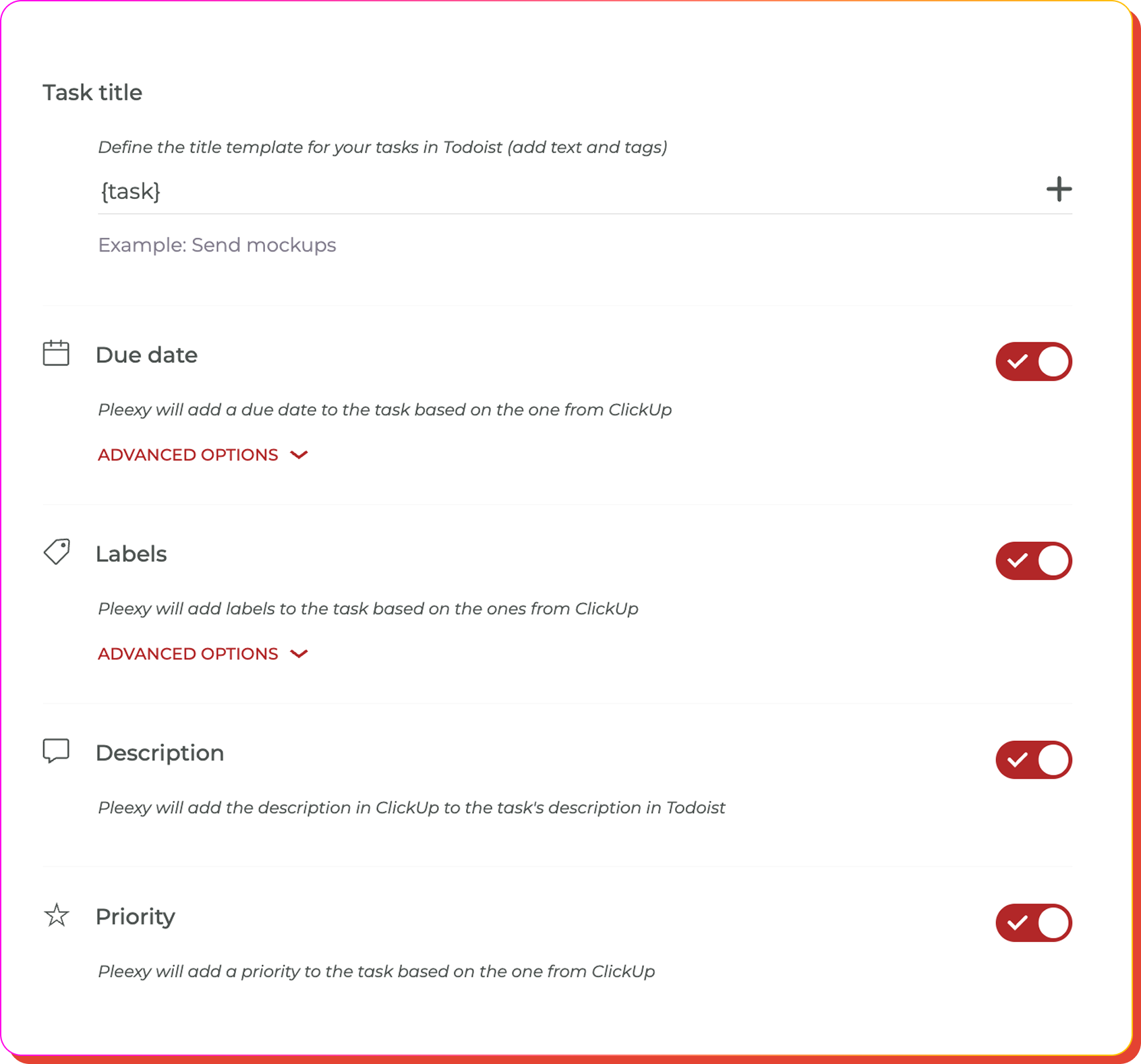
Design title formats, map due dates, assign labels, configure descriptions, set priorities, and preserve ClickUp context in Todoist.
Map ClickUp projects to specific Todoist projects and organize tasks into sections that match your execution workflow.
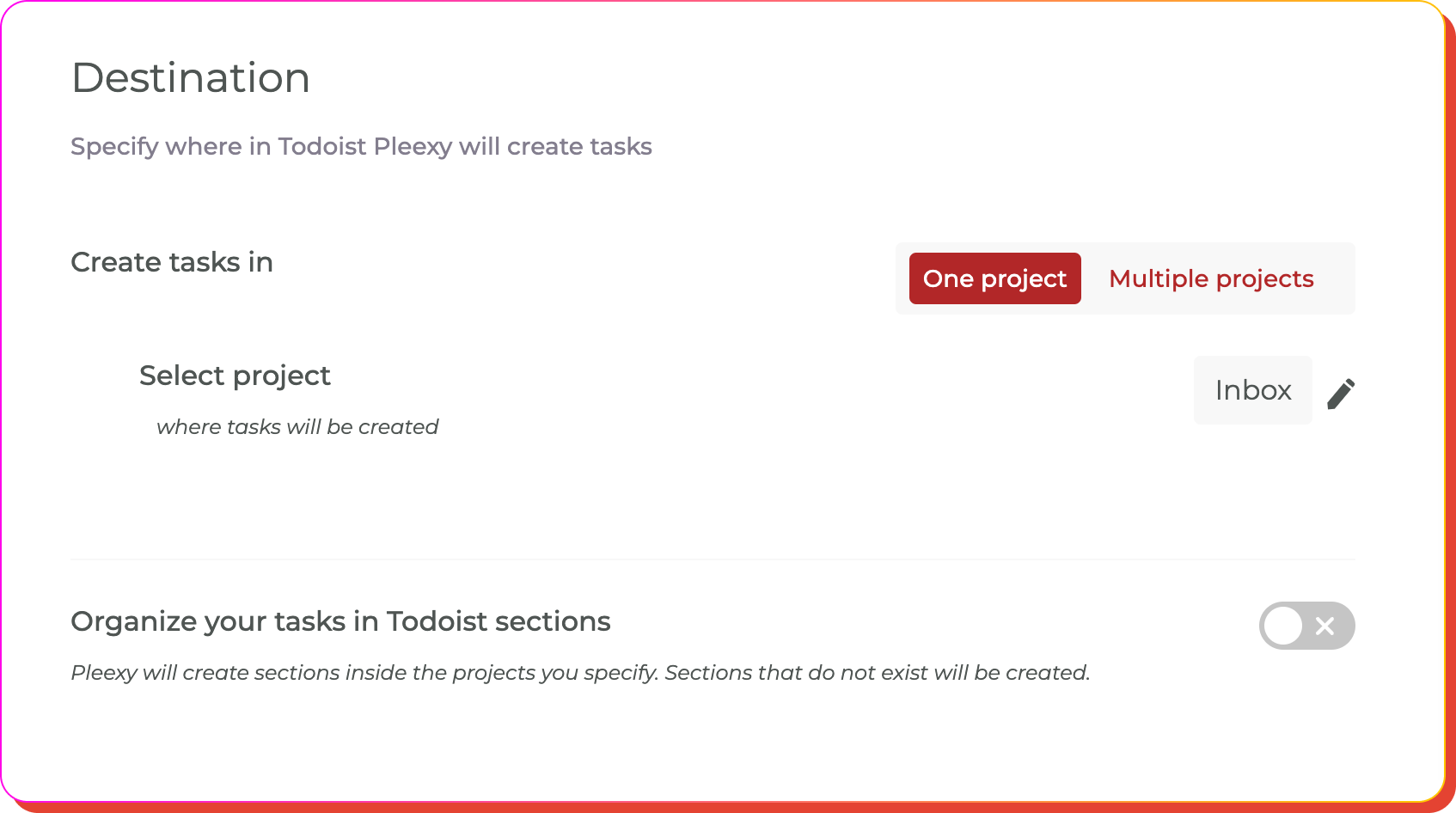
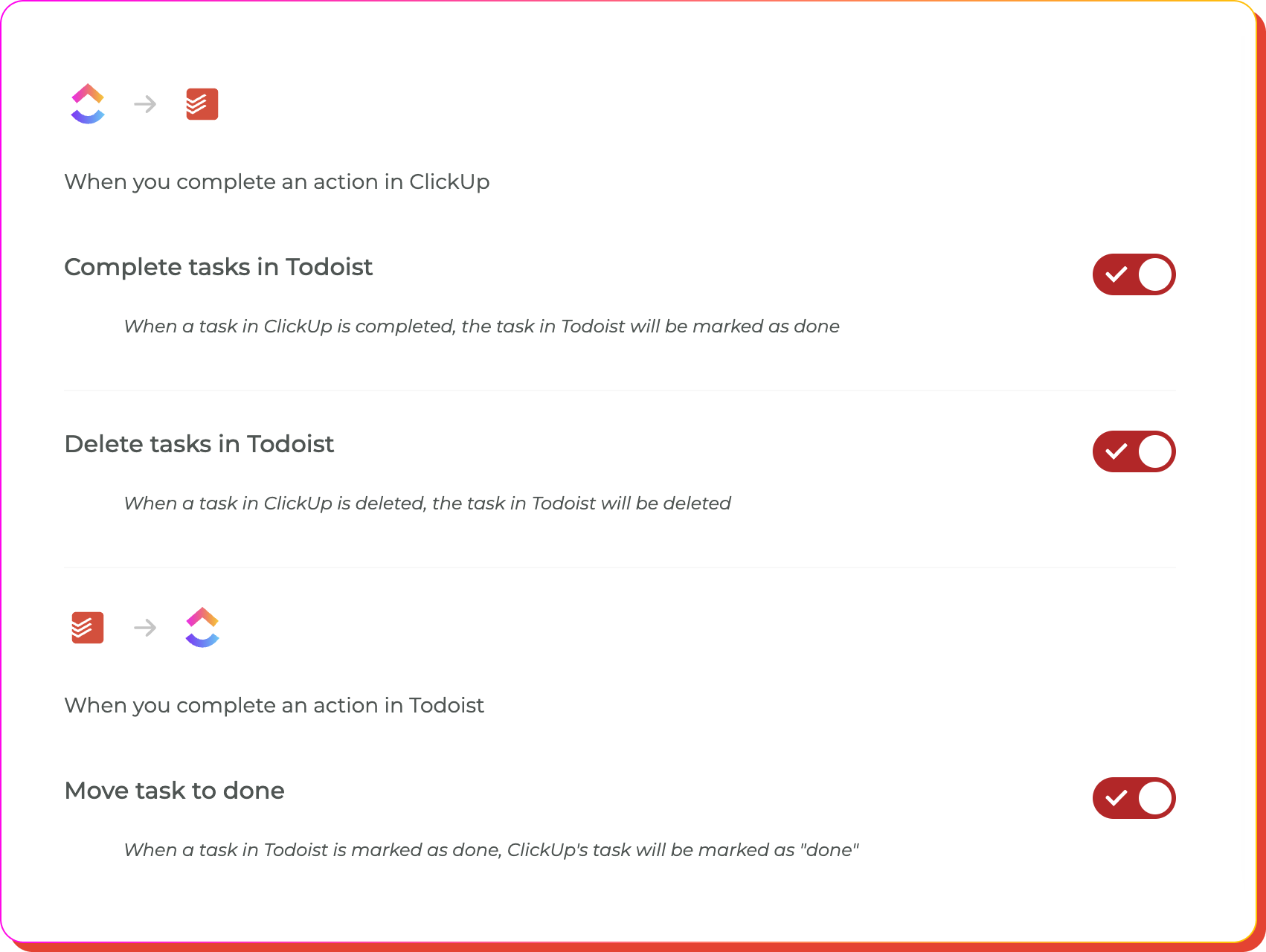
Control completion syncing, deletion handling, subtask management, and how changes in ClickUp projects affect your Todoist workflow.
Let Pleexy connect your comprehensive project management with focused daily execution
No credit card required · Save hours every week.
Bridge comprehensive project management with focused task execution
You manage comprehensive projects in ClickUp but struggle to translate complex tasks into your daily Todoist execution routine.
You waste time manually copying ClickUp task details into Todoist, often losing important project context, custom fields, or missing updates.
Your detailed project progress in ClickUp doesn't align with your personal task execution in Todoist, creating gaps and inefficiencies.
Your ClickUp project tasks automatically become Todoist entries, creating a seamless workflow from comprehensive planning to focused execution.
Project tasks flow into Todoist with all context preserved, including custom fields, priorities, and project relationships, keeping you focused on execution.
Complete tasks in Todoist and see progress reflected in ClickUp. Your project management and personal execution systems stay perfectly aligned.
This integration creates a seamless bridge between ClickUp's comprehensive project management and Todoist's powerful task execution. Pleexy automatically converts your ClickUp tasks into Todoist entries, preserving all important details like due dates, priorities, custom fields, and project context.
Once connected, you can customize which ClickUp projects and tasks sync to Todoist and how they're formatted, creating a workflow that bridges comprehensive project management with focused daily execution.
Absolutely! Pleexy provides powerful filtering options to sync only the tasks you want. You can filter by specific projects, status groups, assignees, priorities, or custom fields, ensuring only relevant tasks appear in your Todoist workflow.
Definitely! You can create multiple connections between different ClickUp projects and Todoist projects. This allows you to organize different types of work while maintaining synchronization across all your project management and execution workflows.
You get complete access to all Pleexy features for 14 days, no credit card required. If you don't upgrade to a paid subscription before the trial ends, your connections will be paused for 2 weeks, after which your data will be removed from our platform.
We offer a 30-day money-back guarantee! If you cancel your subscription within 30 days of your first purchase, you're eligible for a full refund according to our refund policy. Simply contact our support team through the in-app chat to process your refund.

No credit card needed. Choose your task manager to begin.
By signing up, you agree to Pleexy's Terms of service.
Already have an account? Log in


