Problem
You use multiple tools for work: email, notes, project management, calendars.
Each generates tasks. Keeping them all in sync means constant copying, switching, and manual updates — an average of 45 minutes a day, based on our own analysis.
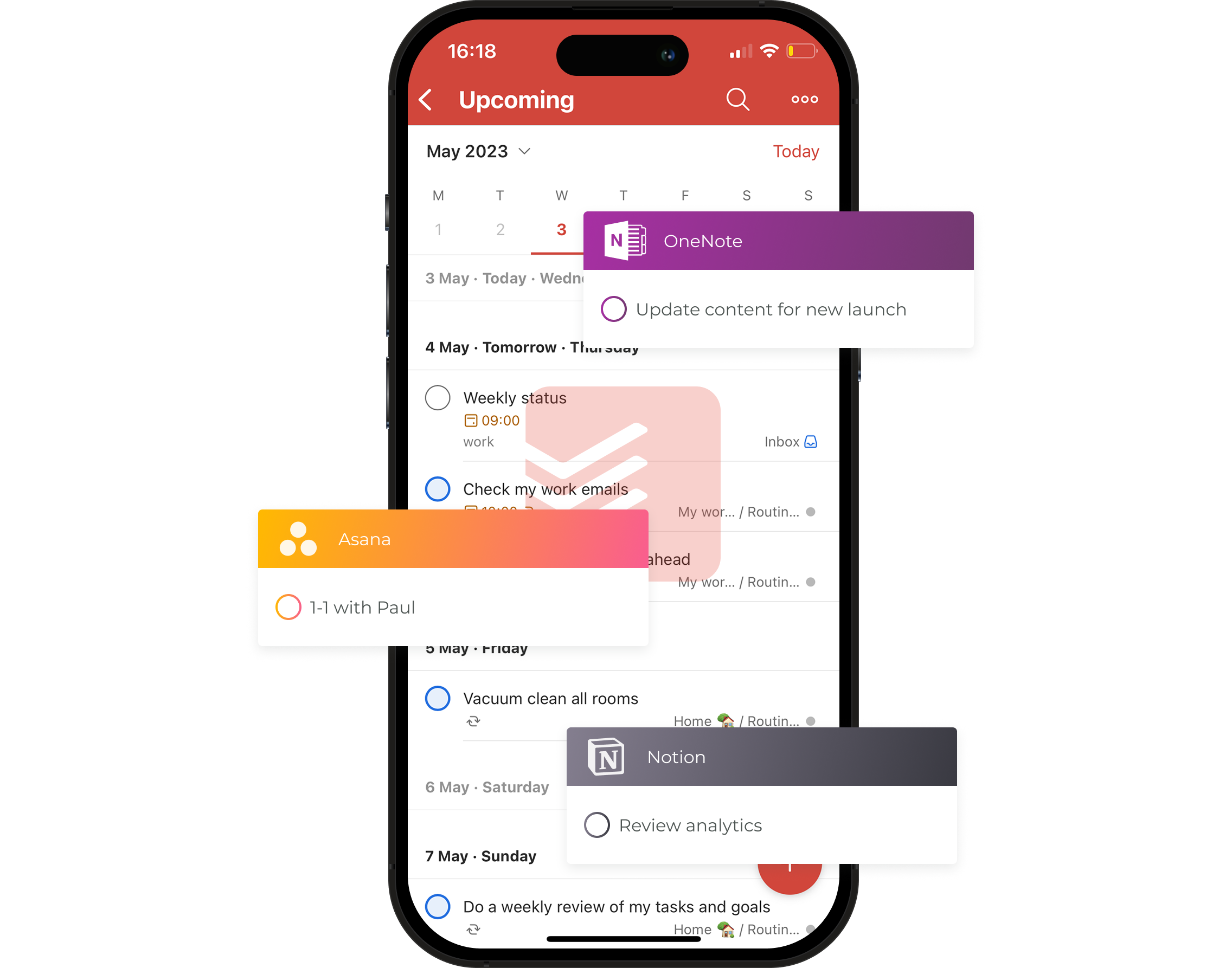
Pleexy connects tools like Jira, Asana, and Notion to your task manager — Todoist, Microsoft To Do, or Google Tasks. Tasks created anywhere sync automatically in both directions. Stop copying. Stop switching. Just work.
14-day free trial · No credit card required · See pricing

You use multiple tools for work: email, notes, project management, calendars.
Each generates tasks. Keeping them all in sync means constant copying, switching, and manual updates — an average of 45 minutes a day, based on our own analysis.
Pleexy automatically syncs tasks between your task manager (Todoist, Microsoft To Do, or Google Tasks) and your other tools. It's not a new app to learn — it works quietly in the background with what you already use.
No more manual copying, switching, or updating. Just focus on your work — Pleexy handles the rest.
1
Connect Your Tools
Link your tools using secure authentication. Your passwords are never shared with us.
2
Configure Your Rules
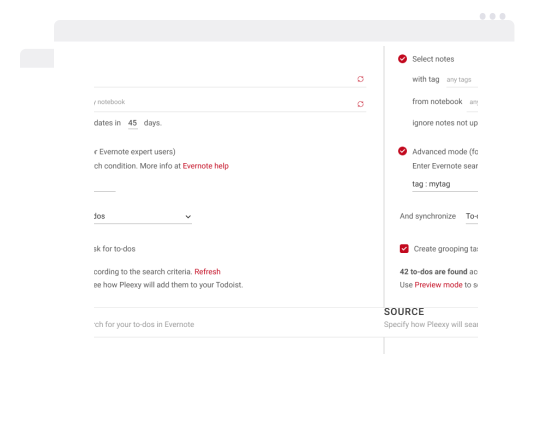
Choose what tasks to sync and which projects they go to — no duplicates, no manual updates.
3
Sync Automatically
Create, update, or complete a task anywhere — it updates everywhere automatically.
14-day free trial · No credit card required · See pricing
OAuth authentication means your passwords are never shared with us — ever. All data is encrypted in transit and at rest. You can disconnect anytime and your data is removed immediately.

Updates flow in both directions. Complete a task in your task manager, it's marked done in the source tool. Unlike one-way automation tools like Zapier, Pleexy keeps everything in sync.
Not a generic automation tool. Pleexy is built exclusively for task synchronization — which means it prevents duplicates, resolves conflicts when the same task is updated in two places at once, and matches tasks intelligently so nothing gets lost or doubled.
No workflow builders or complex recipes. Connect your tools, set your preferences, and you're done. Average setup time: 10 minutes for your first integration.
"Pleexy is one of my favorite services. It JUST WORKS. No hassle, no worries, no troubleshooting. It just works."
Not ready yet? Watch the full setup walkthrough first.


14-day free trial · No credit card required · See pricing

No credit card needed. Choose your task manager to begin.
By signing up, you agree to Pleexy's Terms of service.
Already have an account? Log in


