Task Detection
Pleexy automatically identifies tasks in your OneNote pages and sections.

Transform your OneNote notes into actionable tasks within your Microsoft 365 ecosystem. Seamlessly sync flagged items and to-dos in real-time.
No credit card required - Sync tasks in minutes.
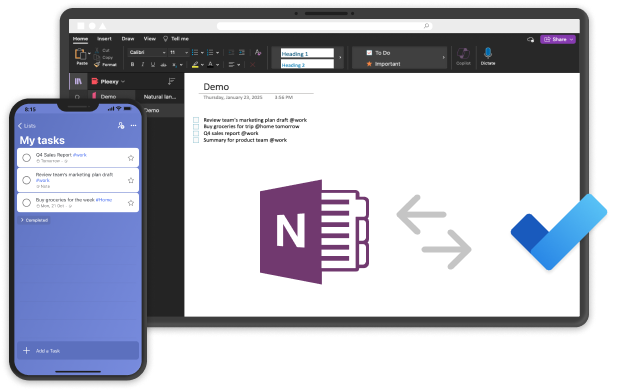
Pleexy automatically identifies tasks in your OneNote pages and sections.
Each OneNote tag or page is converted into a Microsoft To Do task with all relevant details - depending on your settings.
Changes in either platform are reflected in real-time.
Define which OneNote items should sync to Microsoft To Do and how they should appear.
"I was looking for a tool that would allow me to bridge OneNote and Todoist or MS Todo. I found Pleexy and it works perfectly."
Loïc · Trustpilot
Simplify your workflow in just a few steps
1
Connect your Microsoft To Do account with Pleexy
2
Link your OneNote account
3
Select your OneNote Notebook, pages and tags to sync
4
Enjoy effortless task syncing and a clutter-free mind
How Pleexy connects OneNote and Microsoft To Do
No credit card required · Set up in 10 minutes.
Automatically convert OneNote to-do tags into Microsoft To Do items.
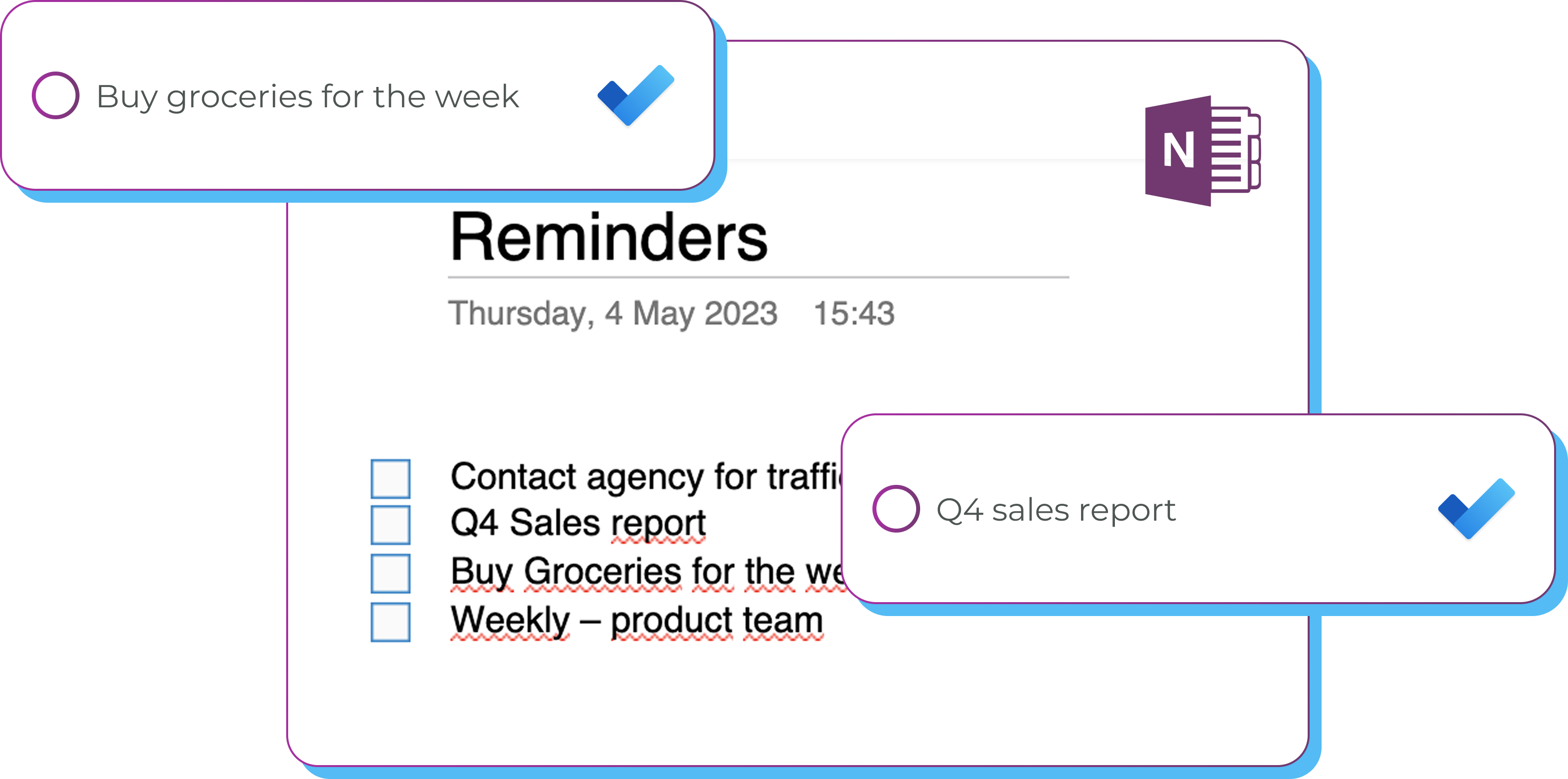
When enabled, adding a to-do like "Call J tomorrow at 9am p1 @home" in OneNote will create a Microsoft To Do task titled "Call J", scheduled for the next day at 9 a.m. marked as priority and tagged "home".
No matter where your notebooks live, your tasks sync seamlessly to your Microsoft To Do.

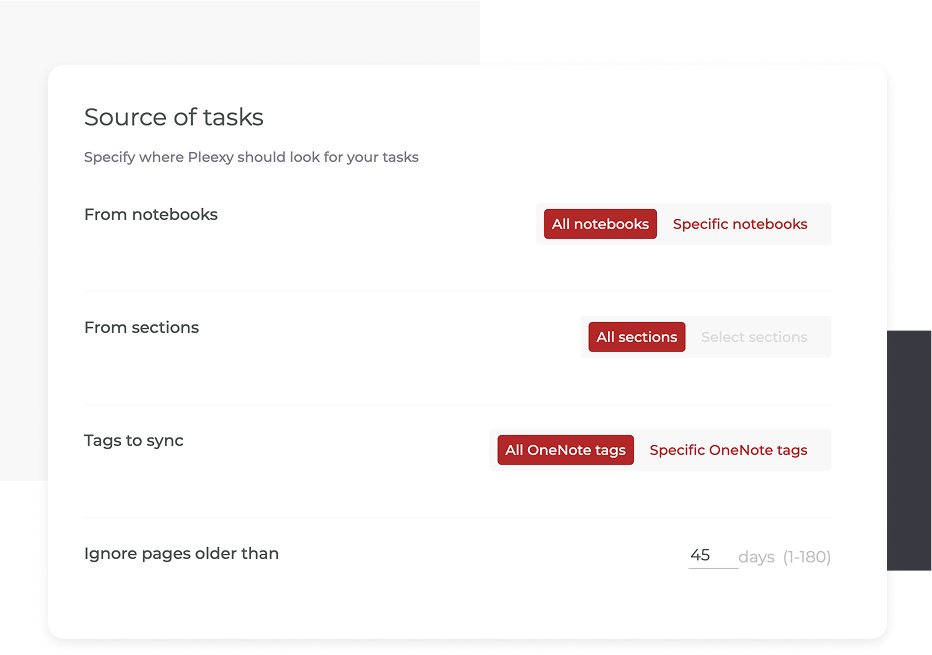
Filter by notebook, sections, or tags. You can also set an age limit to ignore older synced tasks.
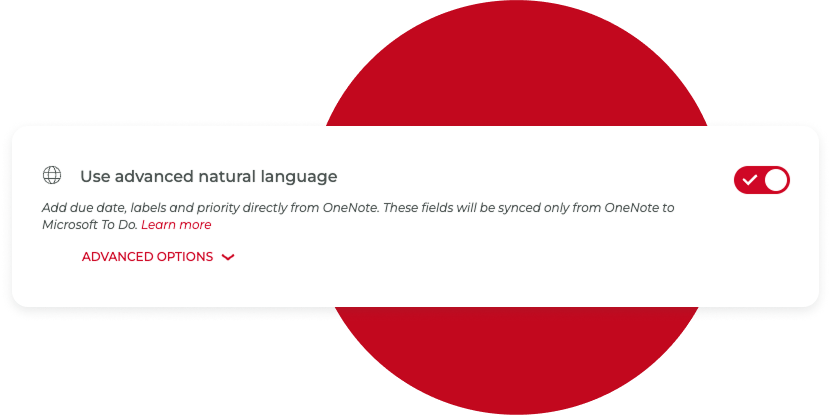
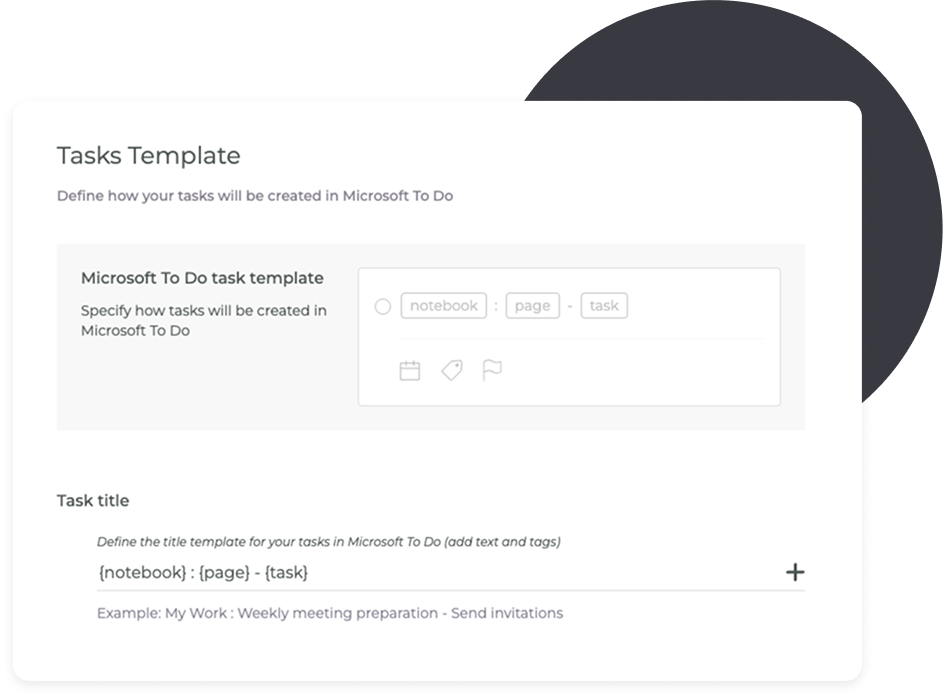
Set the title template and with advanced natural language set date, tags and priority for your tasks.
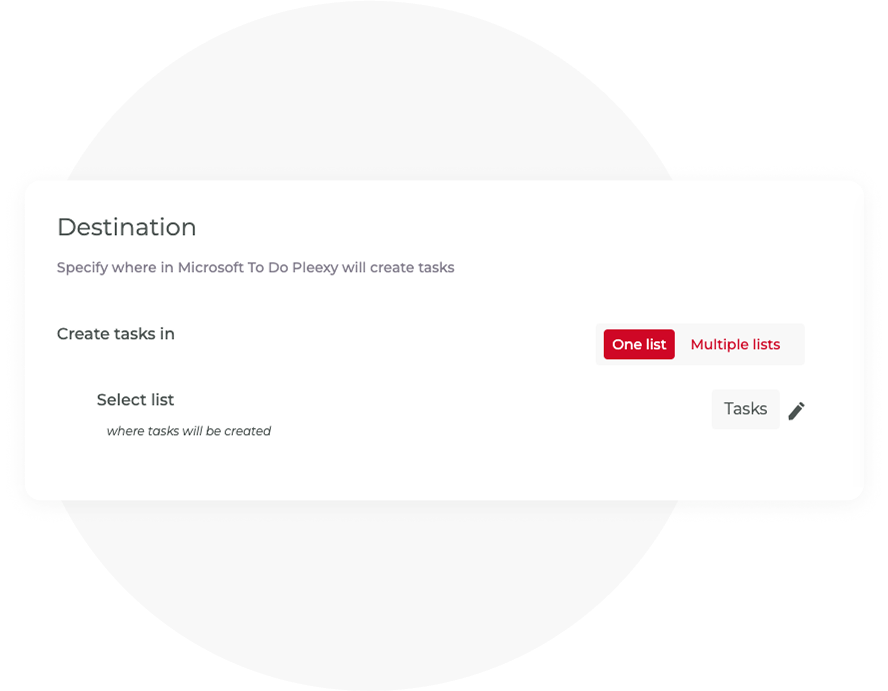
Add them to one or multiple lists.
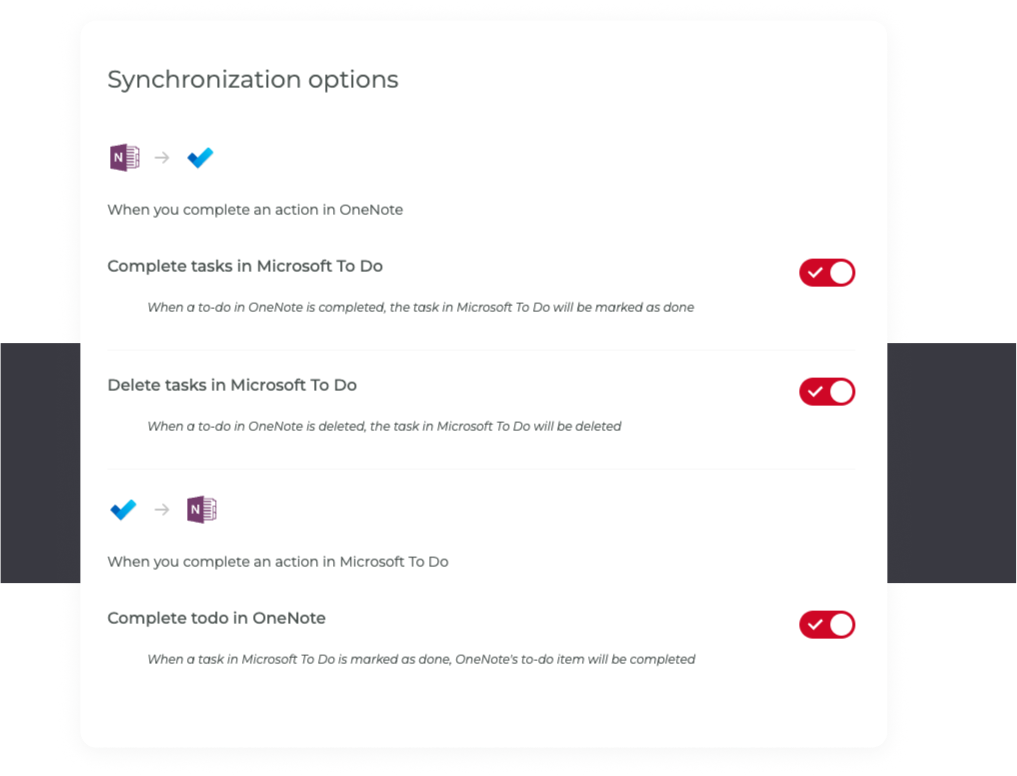
Choose to sync completion from Microsoft To Do, deletion in both directions, or when a tag is completed in OneNote.
No More Switching Between Apps! Pleexy Handles the Syncing for You
No credit card required · Save hours every week.
Stop wasting time double-checking your task lists
You struggle to sync tasks between OneNote and Microsoft To Do, constantly switching between your devices.
You waste precious time by manually duplicating tasks across both.
You experience difficulties keeping track of all tasks, leading to inefficiencies and missed deadlines.
Your tasks from OneNote and all your other apps come together in Microsoft To Do. No more switching back and forth—everything is organised and easy to manage, making your life a lot simpler.
You don’t have to worry about keeping everything updated, Pleexy does it for you. It’s a true “set it and forget it” tool that helps you stay on top of things without extra effort.
With your tasks organized, you’ll feel more productive and in control. Pleexy helps you get things done faster, so you have more time to focus on what really matters, whether it’s family, work, hobbies, or simply enjoying your day.
Getting started is simple: Sign up for Pleexy with Microsoft To Do, connect your OneNote account, choose which notebooks to sync, and customize your sync settings. The entire setup takes less than 5 minutes.
No, there are a set of constrains with the way both apps work that make it very complex for us to do so.
Yes! Pleexy gives you full control over which tasks get synced. You can set up filters to sync only specific sections or tags that meet certain conditions. This ensures your workspaces remain organized without syncing irrelevant tasks.
You'll get full access for 14 days to test our product, no credit card required. If you haven't updated to one of our subscriptions by then, all your connections will be paused for 2 weeks, and after that all your data will be removed from our platform.
Yes! If you cancel your subscription within 30 days of your first purchase, you are eligible for a full refund in accordance with our refund policy. To receive a refund, please contact our support team via in-app chat.

No credit card needed. Choose your task manager to begin.
By signing up, you agree to Pleexy's Terms of service.
Already have an account? Log in


