Intelligent Ticket Processing
Pleexy automatically converts your Zendesk tickets and assignments into clean Google Tasks entries while maintaining essential customer context and ticket relationships.

Bridge your comprehensive Zendesk ticket management with Google Tasks' clean, minimalist execution. Perfect for support agents who need seamless workflow between customer tickets and Google's integrated simplicity.
No credit card required - Sync tickets effortlessly.
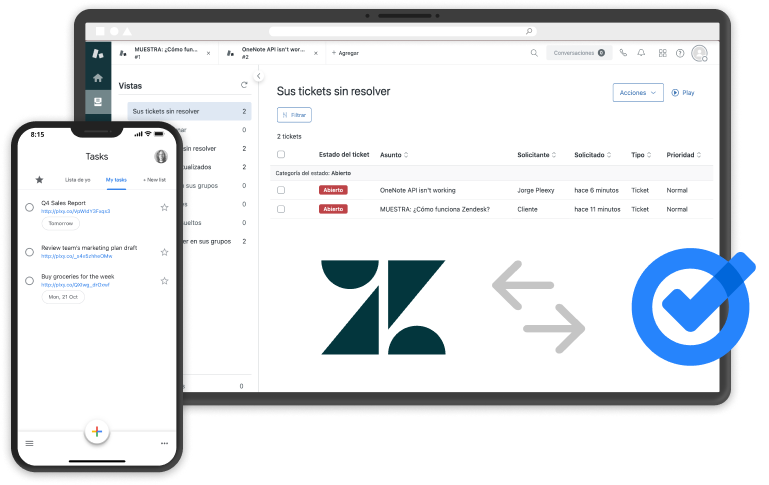
Pleexy automatically converts your Zendesk tickets and assignments into clean Google Tasks entries while maintaining essential customer context and ticket relationships.
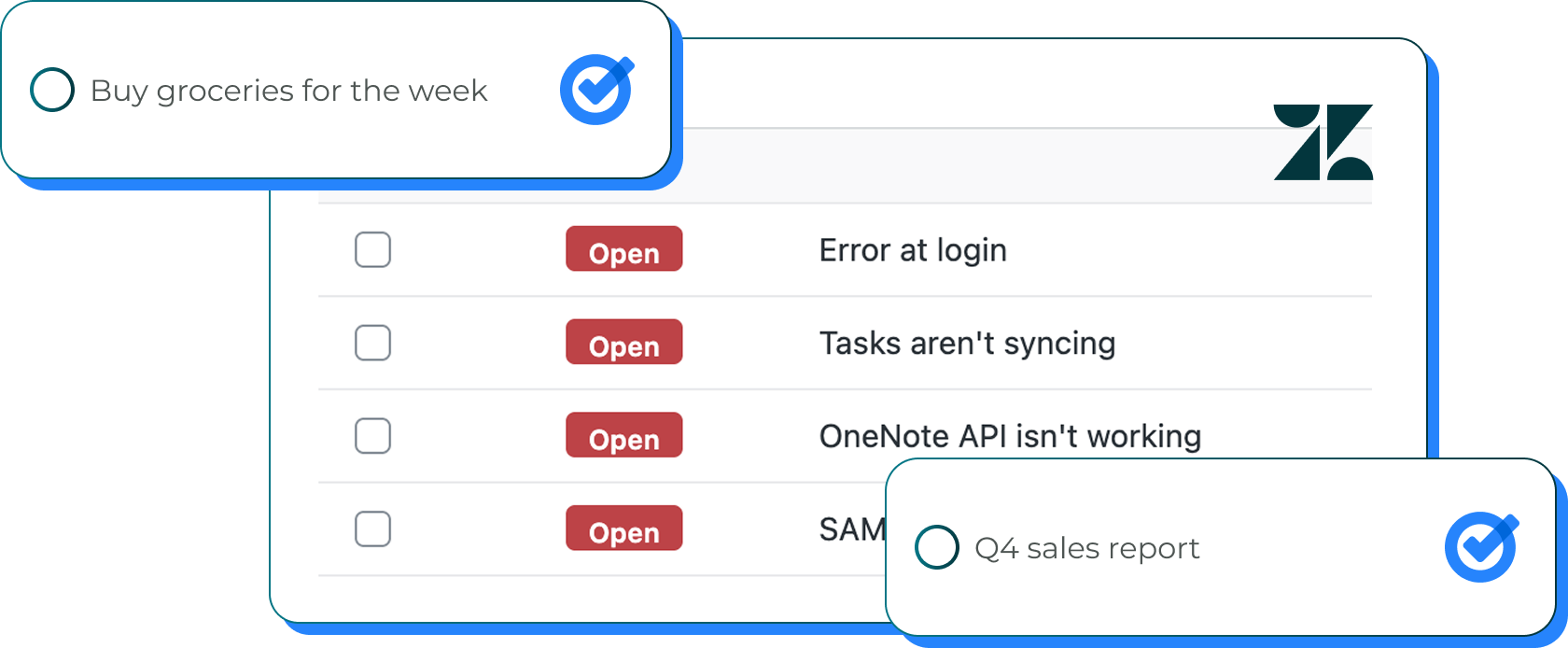
Each relevant Zendesk ticket becomes a streamlined Google Tasks entry with critical customer context preserved while embracing Google's signature minimalist design.
Updates flow seamlessly between platforms, ensuring your comprehensive ticket management and Google's simple execution stay perfectly synchronized throughout customer interactions.
Control which Zendesk tickets sync to Google Tasks with advanced filtering by Zendesk views, organizations, ticket types, statuses, or assignee for focused Google workflows.
"Well, I was getting crazy with all the tools to manage tasks that I have to use. I could link all of them with Pleexy. So my life is easier and my productivity has improved a lot."
Fernando C. · COO, E-Learning · Capterra
From customer support to Google simplicity
1
Connect your Google Tasks account with Pleexy
2
Link your Zendesk workspace
3
Select which Zendesk tickets and views to sync
4
Experience seamless ticket-to-Google task flow
How Pleexy connects Zendesk and Google Tasks
No credit card required · Set up in 10 minutes.
Automatically convert Zendesk tickets into Google Tasks entries. Choose to sync all tickets or filter by specific assignments, statuses, priorities, or customer segments.
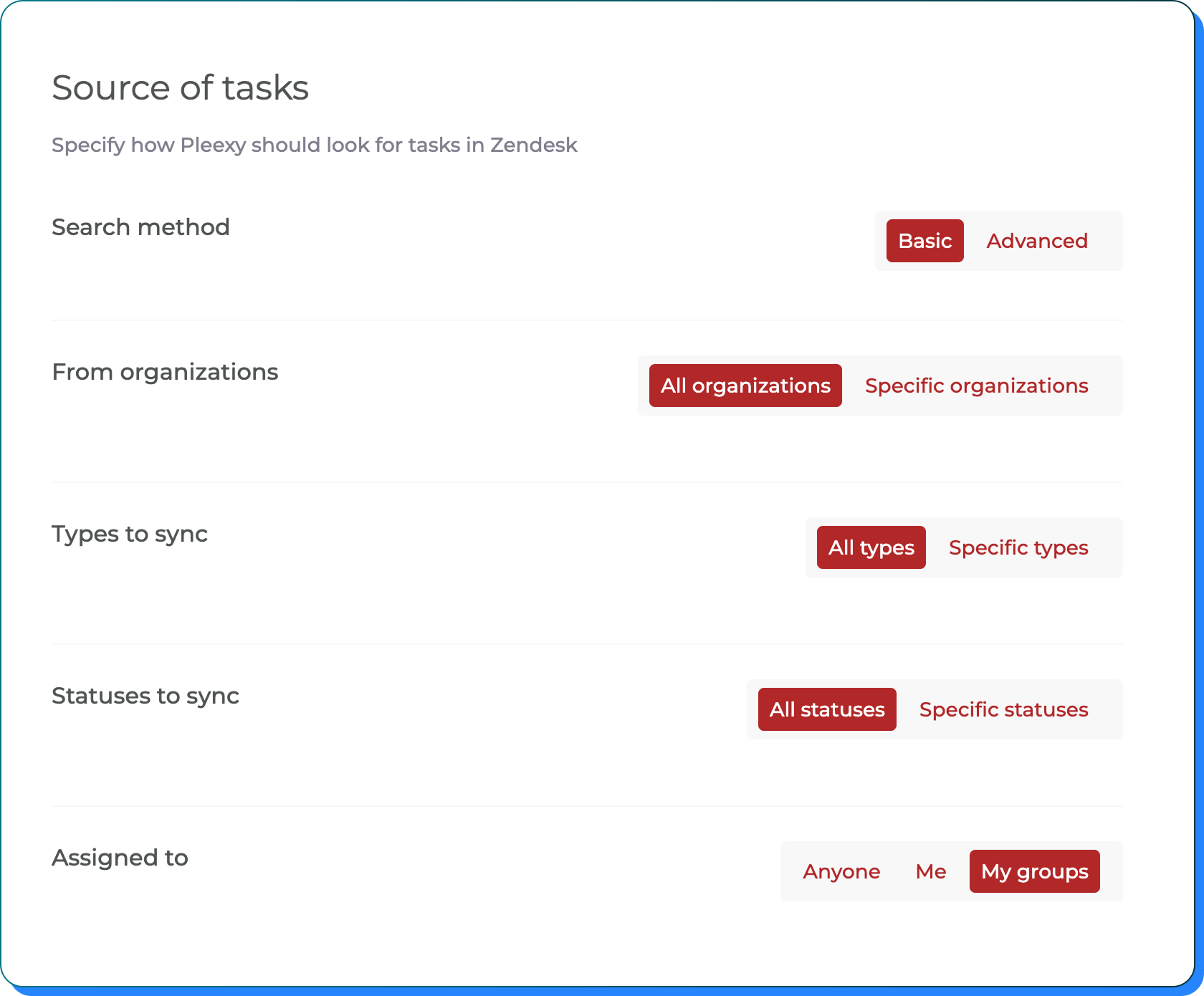
Filter by ticket status, priority level, assignee, tags, ticket type, or custom fields. Set parameters to sync only relevant support tickets and maintain clean Google lists.
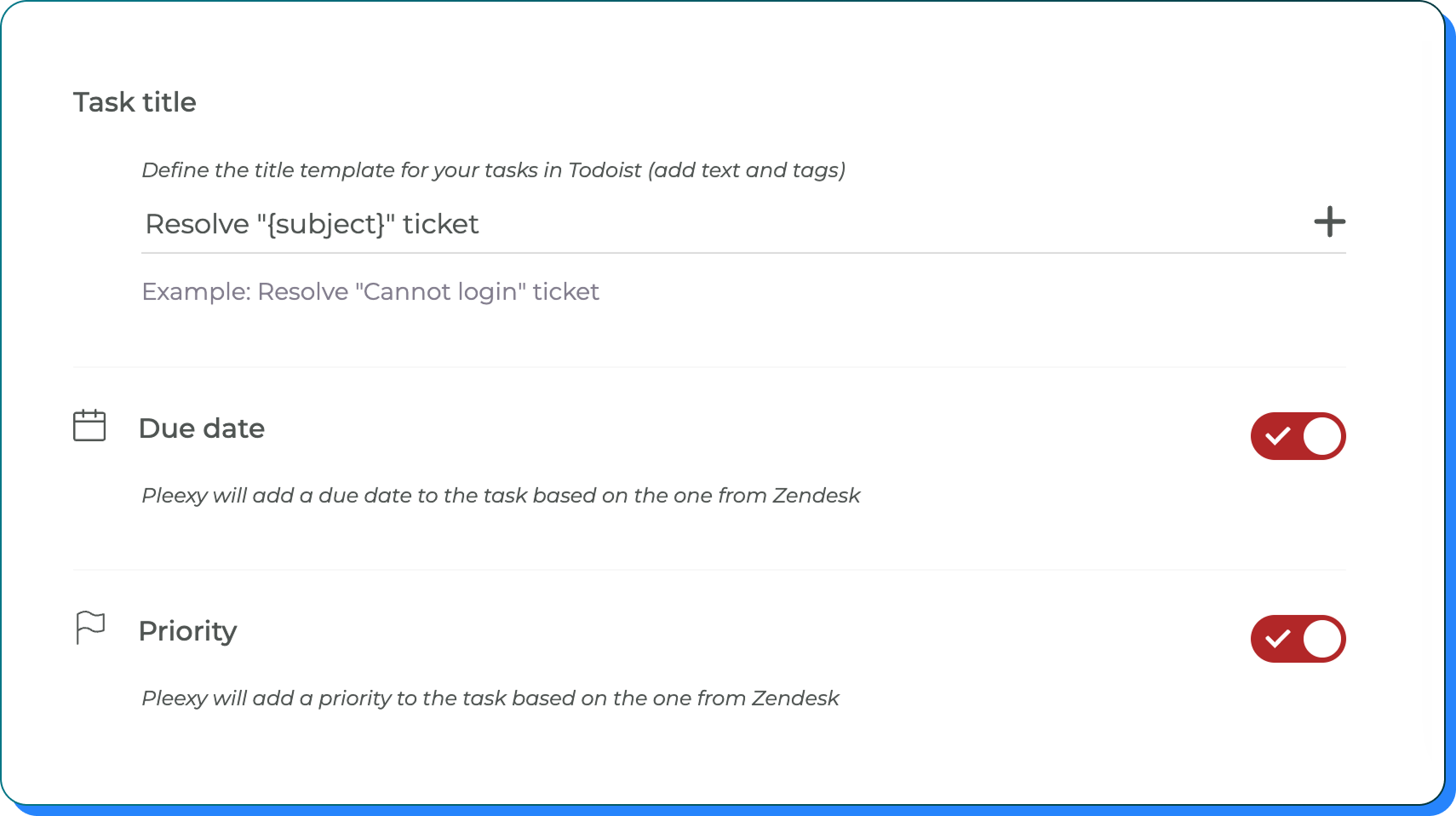
Design title templates, map due dates, configure priority, and preserve essential Zendesk context and customer information within Google's clean interface.
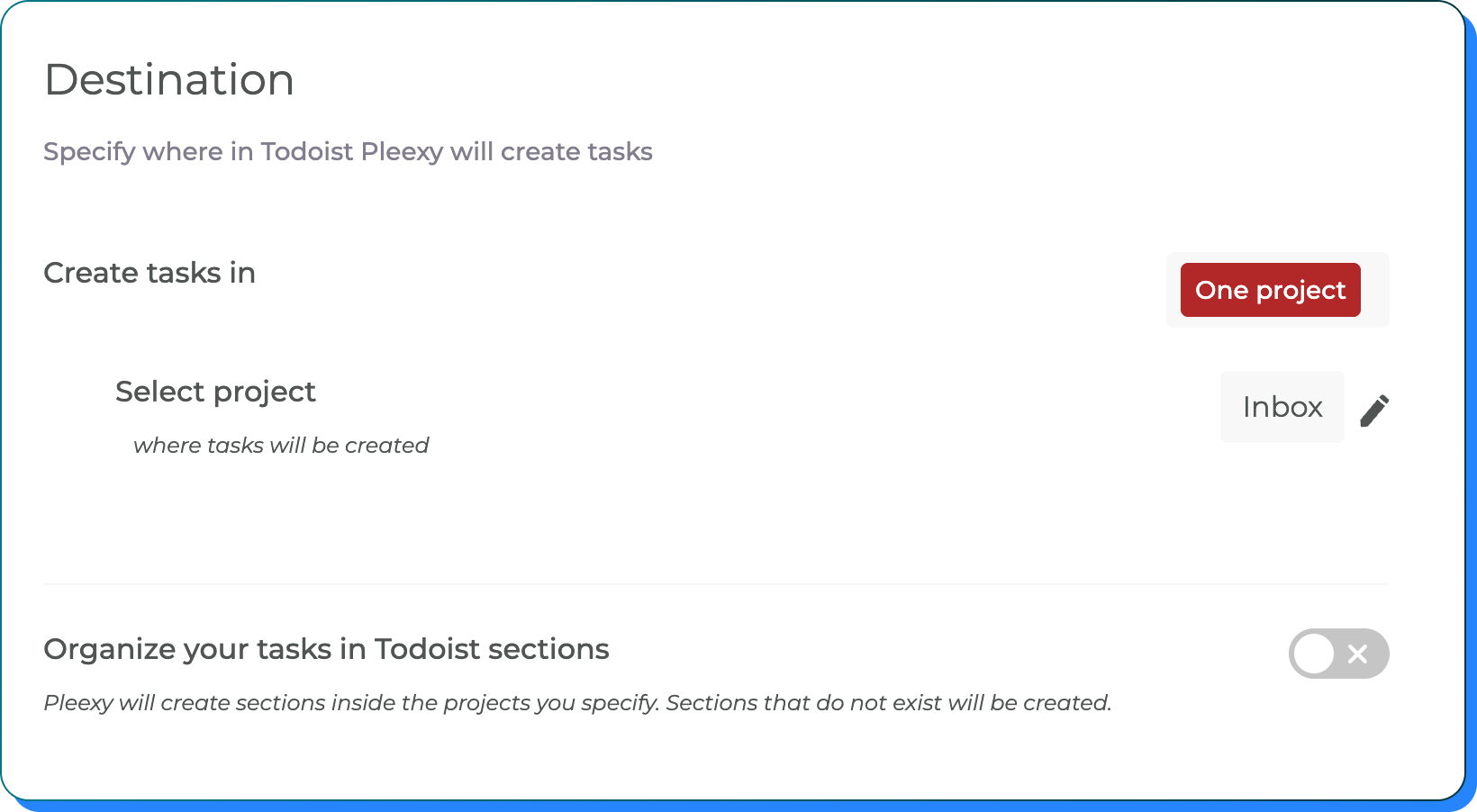
Map Zendesk views to specific Google Task lists and organize support-based tasks to match your Google ecosystem workflow and preferences.
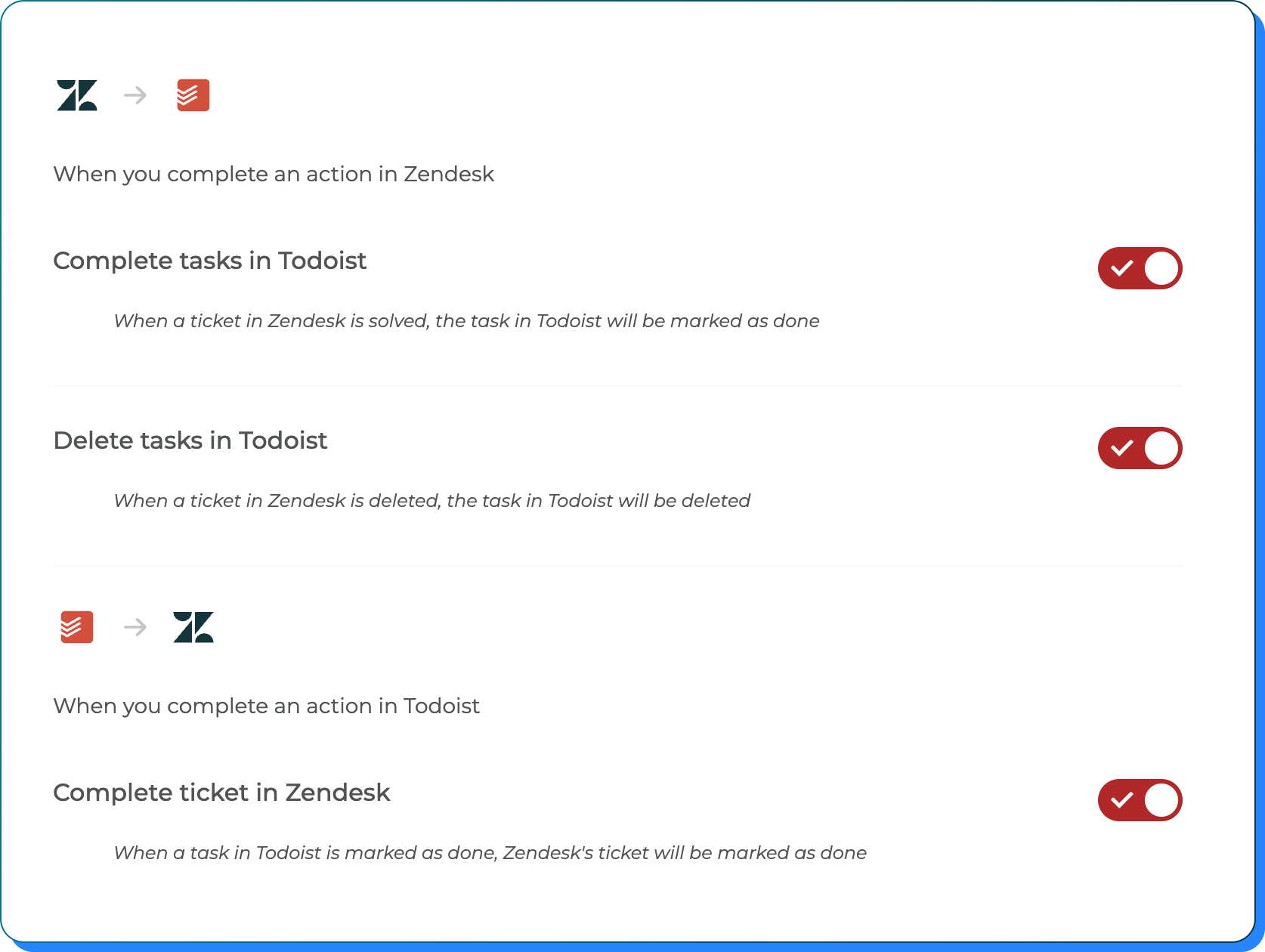
Control completion syncing, status updates, comment handling, and how Zendesk ticket changes affect your Google Tasks support workflow.
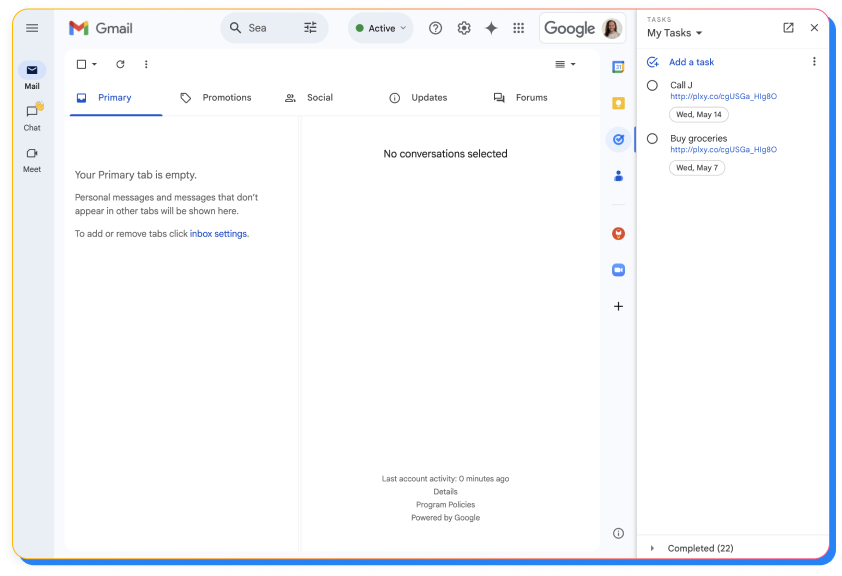
Organize your tasks created from Zendesk directly in Gmail's task sidebar.
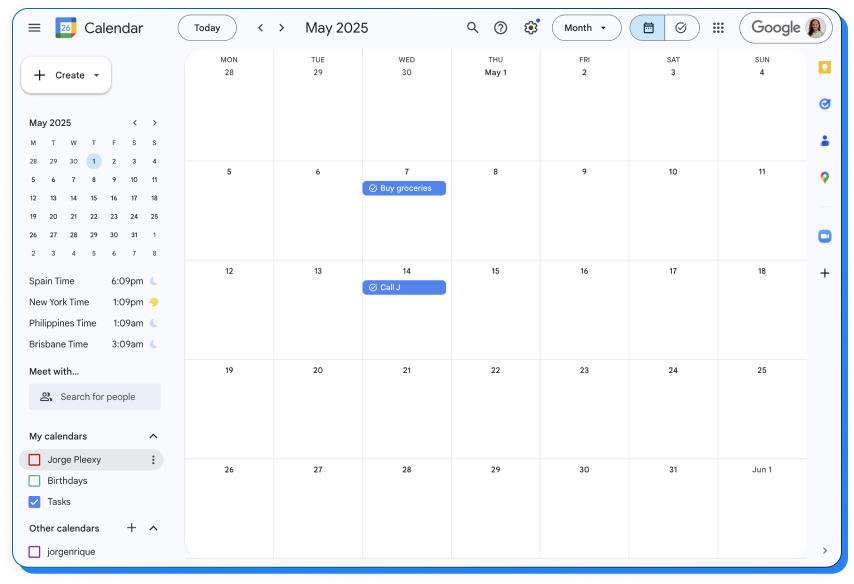
Tasks with due dates automatically appear in your Google Calendar.
Transform your customer support into Google's clean productivity
No credit card required · Save hours every week.
Bridge comprehensive support tracking with Google's clean simplicity
You manage customer tickets in Zendesk but can't access those support assignments within your Google ecosystem, forcing constant switching between ticket tracking and Google productivity tools.
You waste time manually copying Zendesk tickets into Google Tasks, often losing customer context, priority information, or missing critical updates and escalations.
Your customer support management exists separately from your Google workflow, making it difficult to leverage ticket work within Gmail, Calendar, and other Google services.
Your Zendesk ticket assignments automatically appear in Google Tasks, accessible throughout your Google ecosystem including Gmail, Calendar, and Android devices.
Support-based tasks flow into Google Tasks with essential customer context preserved while maintaining Google's signature clean simplicity and ease of use.
With ticket assignments integrated into Google Tasks, you can manage customer responsibilities within your Google workflow while maintaining connection to comprehensive Zendesk tracking.
This integration creates a seamless bridge between Zendesk's comprehensive ticket management and Google Tasks' clean, simple execution. Pleexy automatically converts your Zendesk tickets and assignments into streamlined Google Tasks entries while preserving essential customer context and ticket relationships.
Once connected, your Zendesk ticket assignments appear in Google Tasks where you can access them throughout your Google ecosystem including Gmail, Calendar, and Android devices. You can customize which tickets and views sync and how they're organized within Google's workflow.
Complete control! Pleexy offers comprehensive filtering options including Zendesk views, organizations, ticket types, statuses, or assignee. You can sync only the support tickets that are relevant to your Google Tasks workflow.
Pleexy maintains automatic synchronization between Zendesk and Google Tasks. When you complete a task in Google Tasks, the corresponding Zendesk ticket is updated, and vice versa. Due to API communication, sync typically happens within a few minutes rather than instantly—but it's completely automatic, so you never have to manually update anything. Your support tracking and personal execution systems stay aligned without the busywork.
Your free trial provides complete access to all Pleexy features for 14 days, no credit card required. If you don't subscribe before the trial ends, your connections will be paused for 2 weeks, after which your data will be removed from our platform.
We offer a 30-day money-back guarantee. If you're not satisfied within 30 days of your first purchase, contact our support team through the in-app chat for a full refund according to our refund policy.

No credit card needed. Choose your task manager to begin.
By signing up, you agree to Pleexy's Terms of service.
Already have an account? Log in


